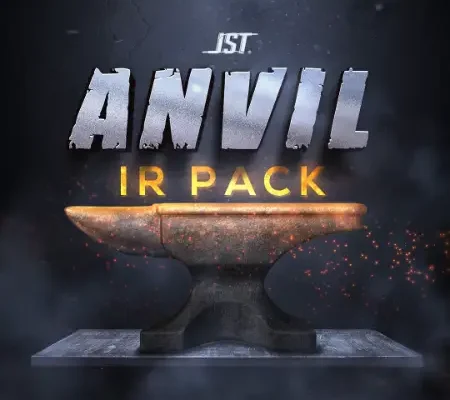
JST Anvil IR Pack Impulse Responses (IRs) WAV
Team ARCADiA | Impulse Responses (IRs) WAV | 3.17 MB
The ANVIL IR Pack by JST is a collection of strategically captured impulse responses brought to you by Joel Wanasek and Joey Sturgis Tones.
With ANVIL, we’ve done the hard work for you by going through all the speaker and mic combinations, finding the ones that stand out, testing them in mixes, and then processing them so that you can quickly click, and get the perfect tone for your mix.
Features:
125 fully mixed and processed IRs delivered as WAV files (5 Cleans, 5 Leads, 25 Rhythms, 90 Raw).
Can be loaded directly into any Toneforge plugin.
Phase matched mic positions per speaker cab for accurate blending of many mic/IR combinations.
Long length recorded and mixed IRs in 48khz/24 bit for incredibly authentic cab sounds.
Compatible with most modelers.
Whether you’re going for crushing rhythms, ripping leads, or modern clean tones, the ANVIL IR pack has the right Impulse Response to get your guitars sounding awesome.
These impulse responses are great for:
Creating tones from scratch
Getting a fresh sound from your favorite amp sim
Reamping existing tones
And mixing your guitars with the right tonal balance
Gear Used:
Custom transparent power amp
Neve 1073 preamp
Direct Mics Used: Shure SM57, Shure SM57, Sennheiser MD421, Beyerdynamic M260, Beyerdynamic MC930, Gefell MT71S, Royer 121
Room Mics Used: Coles 4038, Gefell MT71S
Cabs Used: Ampeg SVT Classic 4×12 – custom Ampeg drivers, Fender Twin Vintage – custom Fender drivers, Marshall 4×12 G12-K100, Marshall 4×12 V30, Matamp (Orange) 4×12 G12T-75, Mesa Rectifier 1×12 Eminence CV-75, Mesa Rectifier 1×12 Jensen, Tornado Stealth 65, Mesa Rectifier 4×12 V30, Zilla 2×12 Greenback G12-M
Requirements:
A DAW installed for hosting an IR loading plugin and amp simulator.
A computer with Intel or AMD compatible processor, Windows or Mac OSX operating system, and a compatible DAW installed (check which plugin formats your DAW supports).
Kemper Users: Please down-sample the .WAVs to 44.1kHz, 16/24-bit in your DAW or via a sample rate conversion utility or application, and then run Cab Maker to reprocess for import.
https://www.youtube.com/watch?v=_DIHh9BeDG4
INFO / DEMO : HOME
Please REPORT Broken Links in the Comment